Product photos that fit
Isolate a product for a listing, collection page or your own branded layout.
Turn a busy photo into a clean, reusable cutout. Remove the background and download a transparent PNG.
Choose a photo. Leave the background behind.
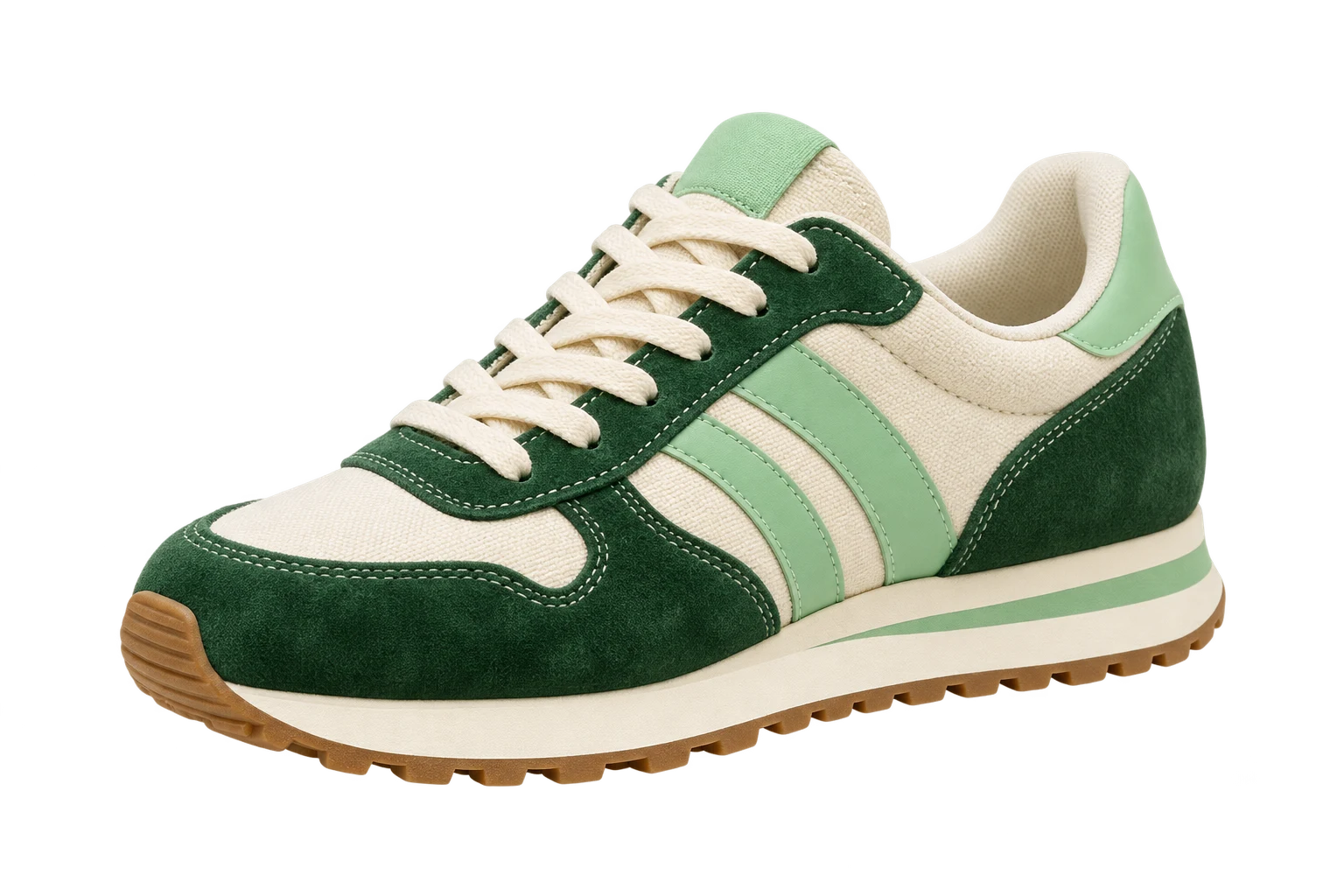 OriginalCutout
Take your subject out of its surroundings and give it a place in whatever you create next.
Isolate a product for a listing, collection page or your own branded layout.
Drop a transparent PNG into a presentation, collage or design without a rectangular backdrop.
Build thumbnails and social posts around your subject, with room for your own type and background.
Upload a JPG / PNG / WebP / BMP / TIFF / GIF, or paste a public image link.
Start background removal for 1 credit. AI separates the subject from the scene.
Download a transparent PNG, then add it to your own background or layout.
AI identifies the main subject and removes its surroundings. You do not need to trace an outline or paint a mask. Review the result before downloading.
Yes. Download your result as a PNG to keep transparency. The checkerboard in the preview indicates transparent areas; it is not part of the downloaded image.
Background removal uses 1 credit per image. Sign in to start and check your available balance in the upload panel.
Upload one JPG / PNG / WebP / BMP / TIFF / GIF image up to 10 MB, or paste a publicly accessible direct image link.
Fine details, transparent objects and subjects that blend into their surroundings can be challenging. Start with a well-lit photo and clear contrast, then inspect the edges before using the cutout.
Your next layout starts with a clean cutout.
Want a sharper photo first? Try AI Image Enhancer