Faces worth a closer look
Restore facial detail in soft portraits while keeping the original photo as your starting point.
Restore faces, lift clarity, and upscale your image 2×. One upload. A sharper starting point.
A better image starts with the one you already have.
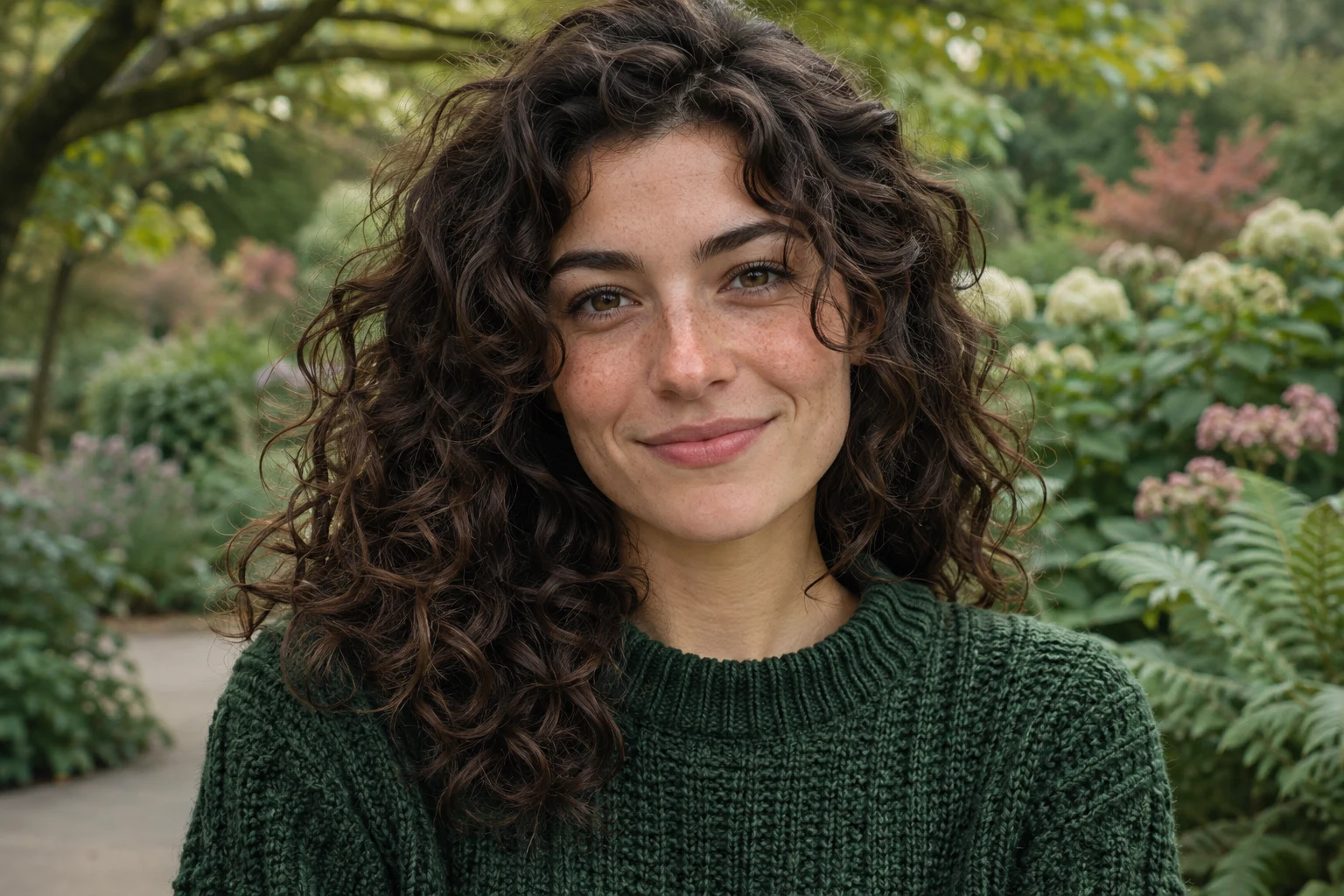 OriginalEnhanced
Bring a softer image back into your creative workflow, with enhancement tuned for faces and the scene around them.
Restore facial detail in soft portraits while keeping the original photo as your starting point.
Upscale 2× and enhance the background for a larger image that is easier to work with.
Give low-quality photos another pass before using them in a collage, post or personal project.
Upload a JPG / PNG / WebP / BMP / TIFF / GIF, or paste a direct image link.
Start processing for 1 credit. We will show your result right here.
Review the finished image and download it for your next project.
The tool uses AI to restore faces, enhance the background and upscale the image 2×. It works from your original photo; it does not require a text prompt.
Each enhancement uses 1 credit. Sign in to use the tool and see your available balance before starting.
Upload one JPG / PNG / WebP / BMP / TIFF / GIF image up to 10 MB. You can also paste a publicly accessible direct image URL. For portraits, start with a face that is clearly visible.
AI may reconstruct details, especially in very blurry faces. Results vary with the input. Always review the output; enhancement is not a way to recover verifiable details that are missing from the source.
Use the separate Background Remover tool to create a transparent cutout. You can download an enhanced image and then upload it there.
Start with a photo you already have. See what a little more clarity can do.
Need a clean cutout? Try Background Remover